WatchTalk
WhatsApp Messenger on Apple Watch and iPad

Usages
How to log in to WatchTalk (formerly WhatsWatch)
Features
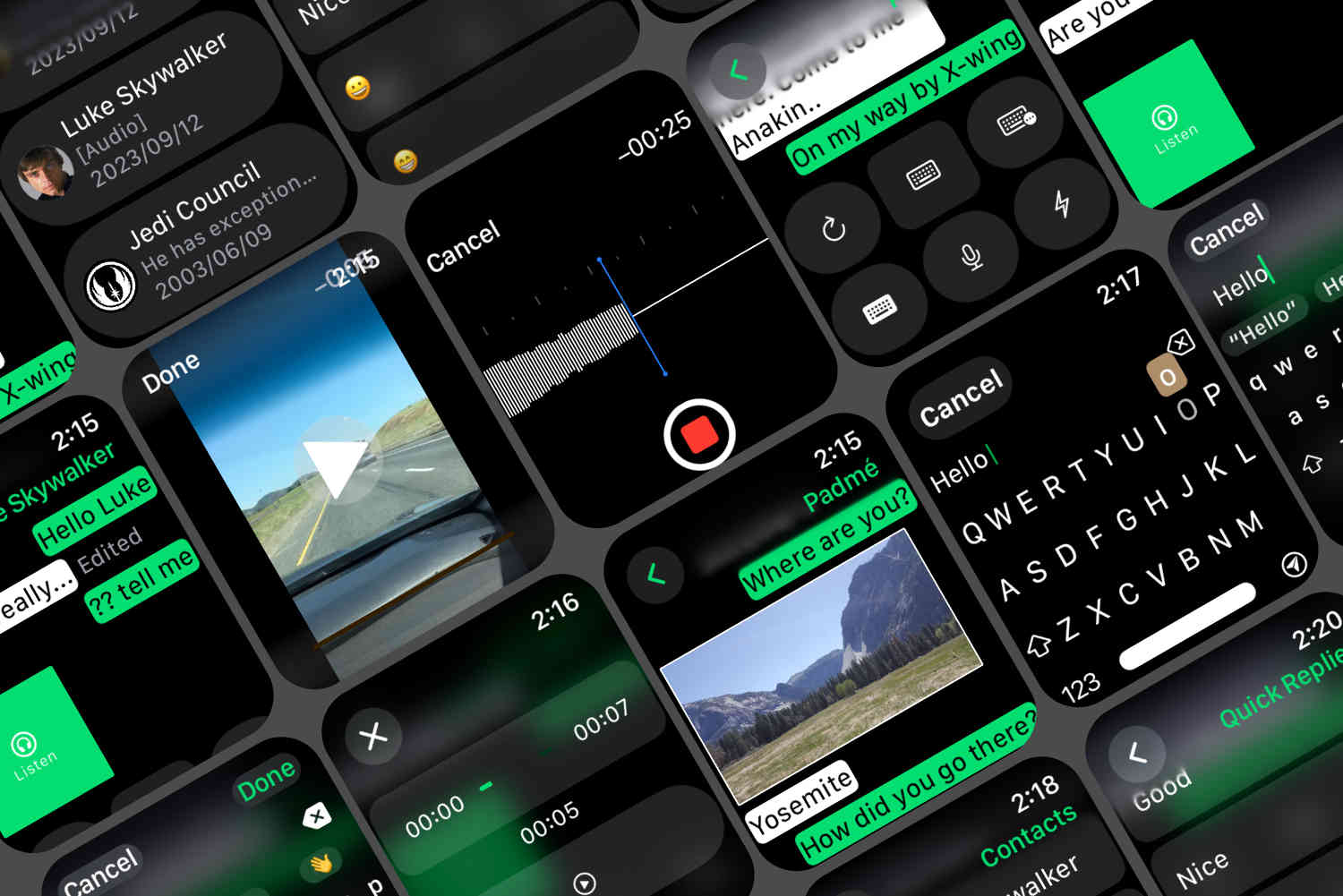
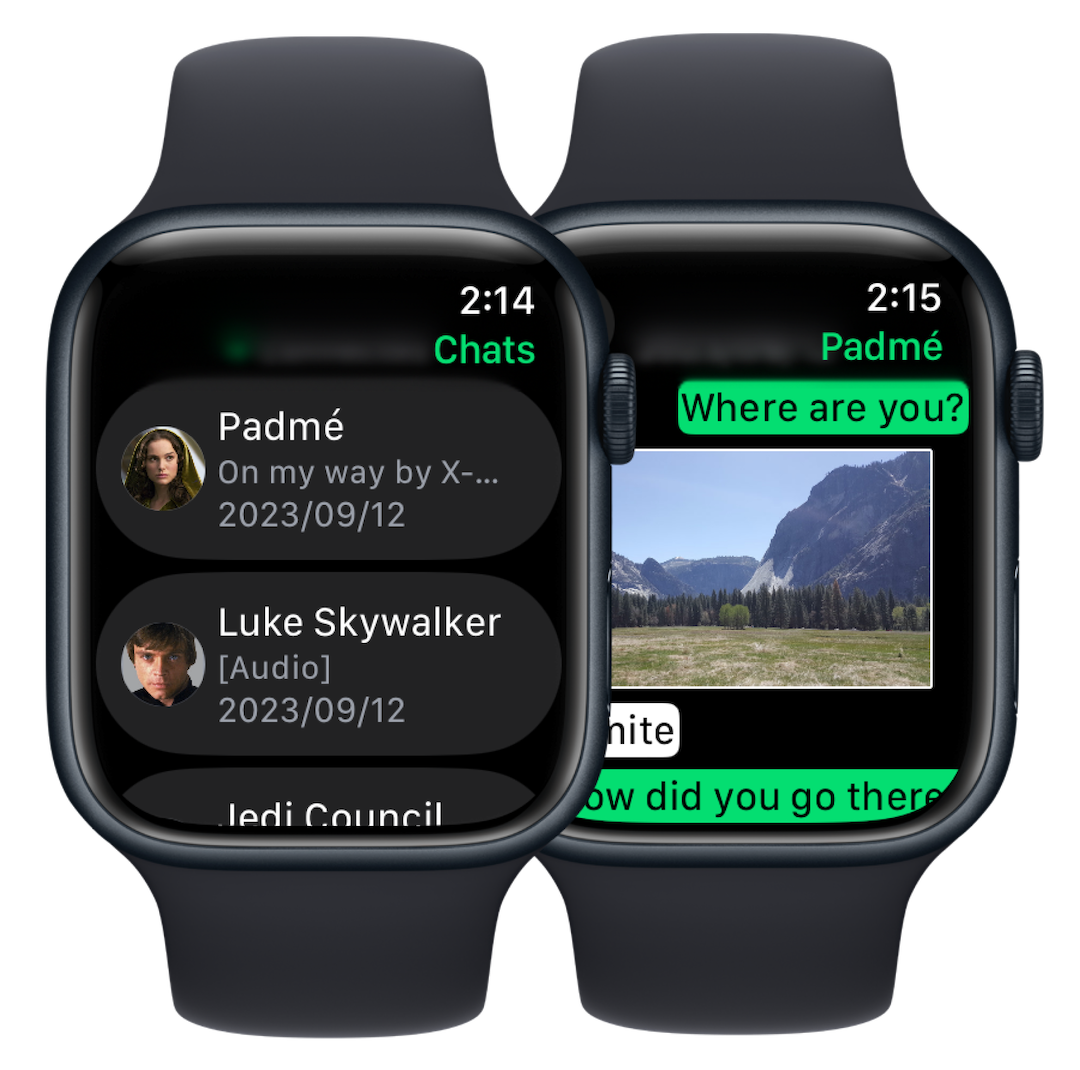
Access WhatsApp chats on your Apple Watch
Chat with your friends and family on your wrist. Group chats are also supported. There are 2 types of connection modes.
Phone-Free (Cloud Mode)
Access WhatsApp features on your Apple Watch without your iPhone nearby. It's better to use this mode with a cellular Apple Watch.
Phone-Dependent (Pairing Mode)
Access WhatsApp features on your Apple Watch with your paired iPhone nearby. If you don't mind having your iPhone with you all the time, that's great.
Voice messages
Record, send, receive, and listen to voice messages on the Watch.
HD-quality Image messages and Video messages
Watch image messages and video messages on your wrist.
Multiple keyboards and emojis
Recent Watch models have the official QWERTY keyboard. This app embeds its own custom English QWERTY keyboard with extended latin characters for old watch models.
Quick Replies
Customize your Quick Replies on your iPhone, and tap it on the Watch.
Contacts from WhatsApp
Start a new 1:1 chat from Contacts from WhatsApp on Watch.
Easy setup
Easily set up your WhatsApp account on the Watch with QR-code login or the Phone Number login.
Customize Settings
Turn on/off haptic vibration or key preview feature.
WhatsApp Web version on iPad
Use multiple WhatsApp accounts with WhatsApp Web version on your iPad.
Plans
- Starting with WatchTalk 4.0, watchOS 9 or later is required on Apple Watch.
- Starting with WatchTalk 3.0, "Pairing Mode" is called "Phone-Dependent" and "Cloud Mode" is called "Phone-Free". The Plus plan is gone — all of its features are part of Free.
Free
Phone-Dependent (Pairing Mode)
- Text messaging
- Images, Videos (receive only)
- Multiple accounts on iPad
- Voice messages
- Access contacts
- Quick Replies
Premium
Phone-Free (Cloud Mode)
- Text messaging
- Images, Videos (receive only)
- Multiple accounts on iPad
- Voice messages
- Access contacts
- Quick Replies
- Phone-Free (Cloud Mode)
- Push Notifications
Contact Us
This app is a 3rd-party app for WhatsApp. This app is not affiliated with WhatsApp and Meta Platforms, Inc.